Get paid to clip Roblox games
Roblox clipping jobs, paid per view: post Roblox clips to the account you already have, earn on every verified thousand views, withdraw to your bank, and never chase a brand for an invoice.
Basics
- Roblox clipping, explainedWhat clipping is, how campaigns pay, and how to post your first paid Roblox clip.
- How to get paid to clip with no followersWhat a new account needs, how its first clip earns, and when the money can be withdrawn.
- How to make money on Roblox without making a gameClipping campaigns, your own channel, UGC items and Roblox’s programmes: what each needs, and what doesn’t pay.
- What is clip farming?The two meanings, how paid clip farming works, what keeps it allowed, and clip farming Roblox games.
- Roblox clipping and marketing glossary: 44 termsCampaign and pay terms, Roblox’s ad and analytics terms, and platform terms, each with its own link.
Finding campaigns
- Clipping campaigns: what they are, which websites list them, what they payWhere campaigns are posted, how per-view pay works, and the checks before you join one.
- Roblox clipping Discord serversThe servers with member counts, what each posts, and the three checks before you trust one.
- Most popular Roblox games we track, liveA live ranking by players of the games we read every 5 minutes, and what the list can miss.
- Best Roblox games to clip right nowGames with a paid campaign open, the week’s biggest risers in players, and how to choose.
Rules
Troubleshooting
Three steps to your first payout
- 1
Connect an account
Link the TikTok, Instagram or YouTube account you already post from. MetaClip reads your posted videos through the official platform APIs — that is how views get verified rather than trusted.
- TikTok
- Instagram Reels
- YouTube Shorts
- 2
Pick a campaign and post
Browse funded campaigns, see the rate before you commit, and make your clip. Once it is live on your account, you pick that video from your connected account to submit it — there is no link to paste.
- 3
Earn on verified views
Views are re-checked every hour. Each day's earnings clear seven days after they land, then move to your withdrawable balance. MetaClip takes 10% of the gross; the rest is yours.
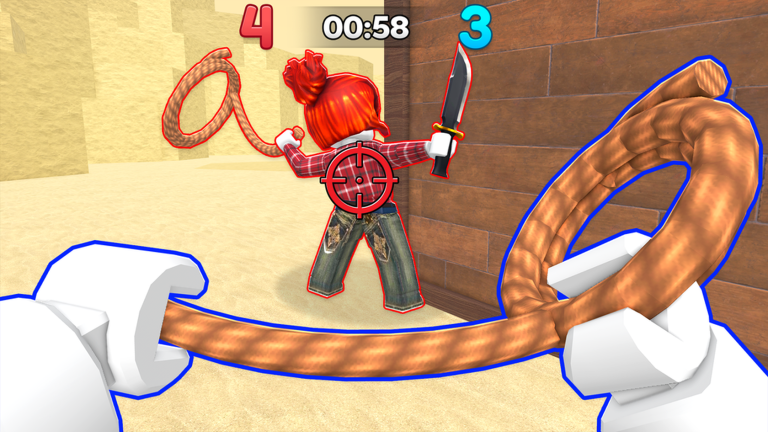
Each step acted out, with what a clip earns on every live campaign: how Roblox clipping works.
What you actually keep
No subscription, no entry fee, and nothing deducted before a clip earns. MetaClip takes 10% of gross earnings.
- Platform fee
- 10%
- on gross earnings
- Escrow
- 7 days
- from the day it accrues
- Min withdrawal
- $10
- Stripe or Wise
- Followers needed
- None
- views are the only metric
Clipping on MetaClip, answered
No. Campaigns pay on views, not on follower count, so a new account that lands a clip earns exactly the same rate as an established one. There is no application step, and a campaign that does set a follower minimum shows it before you start.
Each studio sets its own rate when it funds a campaign, quoted as an amount per 1,000 views. You can see the rate on every campaign before you make anything, and earnings are calculated as floor(views / 1000) × rate — so 47,800 views at $3 per 1,000 pays $141.
Earnings sit in escrow for seven days from the day they accrue, which gives view counts time to settle and fraudulent clips time to surface. After that they move to your withdrawable balance and you can cash out.
Payouts run through Stripe Connect to your bank account. Creators in countries Stripe cannot reach are paid through Wise instead, so where you live does not stop you clipping.
TikTok, Instagram Reels and YouTube Shorts. Each campaign names the platforms it accepts, and you can run the same clip on more than one where the campaign allows it.
Submissions come from your connected account rather than from a pasted URL, so a clip has to genuinely be on an account you control. Views are then read from the platform API hourly, not self-reported.
Finding campaigns and comparing platforms
Ready to clip?
Connect an account, pick a funded campaign, and post. That is the whole onboarding.